
Hook
Walk into any subdivision, condominium lobby, or small shop in Metro Manila and you will likely notice cameras, card readers, or alarm keypads. Electronic security has quietly become a basic requirement across the Philippines, not an optional extra. For homeowners, shop owners, and facilities managers, the decision is no longer whether to install security technology, but which systems make sense, how much they cost, and which provider will deliver reliable service under local conditions.
Introduction
This article examines electronic security Philippines readers actually use. I cover the most common systems, realistic cost ranges for residential and commercial scenarios, and the types of providers that sell and service these systems. You will also find practical buying criteria, integration and maintenance advice, and a short checklist to bring to vendor meetings. The aim is to help you plan a security solution that balances protection, usability, and total cost of ownership.
Electronic security Philippines, system by system
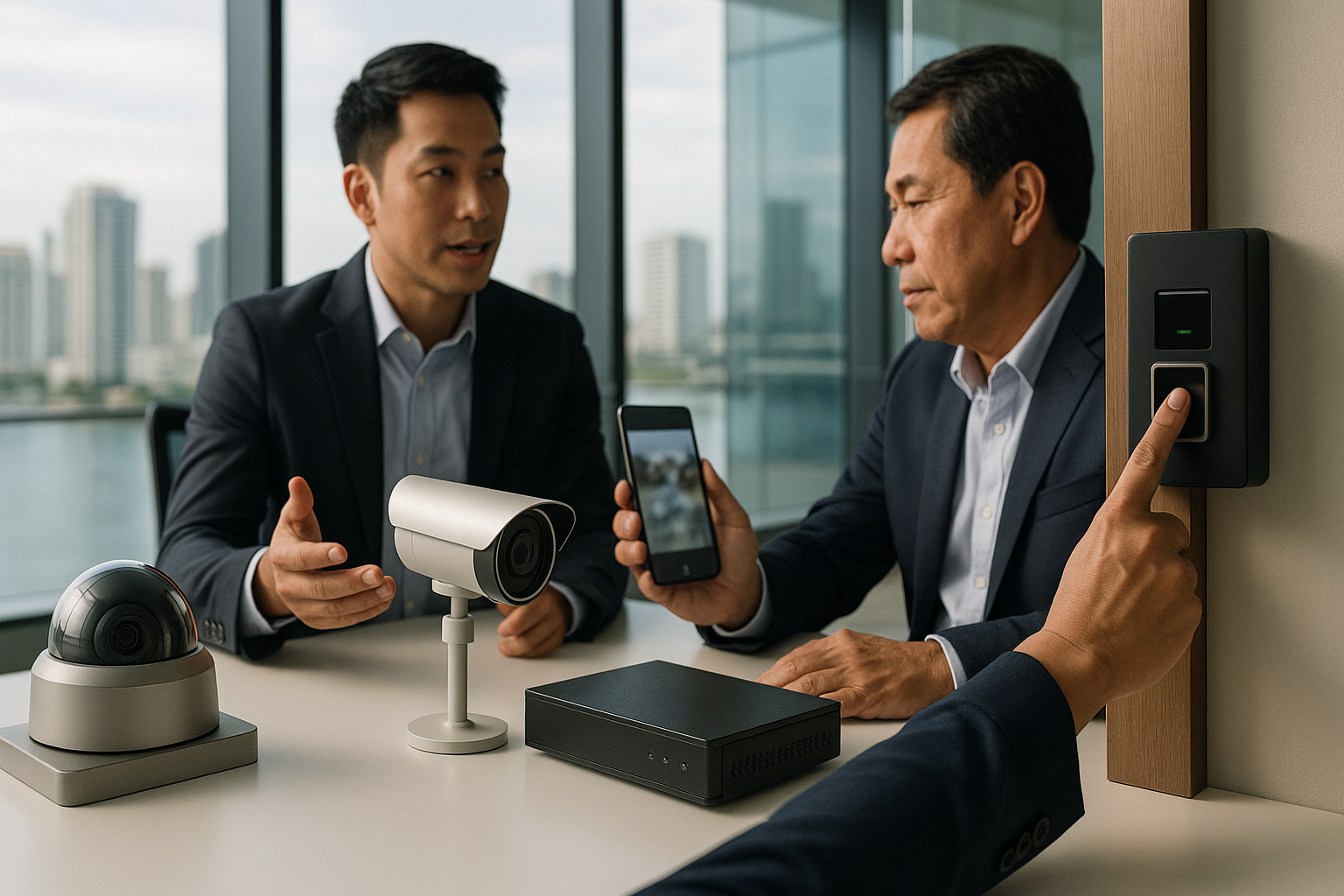
Closed-circuit television remains the backbone of most installations. Modern setups use IP cameras that stream to a local network video recorder and optionally to cloud storage. Choose camera resolution based on distance and detail needed. A 2MP or 4MP camera is fine for general coverage. Use 8MP cameras for license plate capture or identifying faces from a distance. For outdoor cameras select models with true weatherproof rating and wide dynamic range to handle bright sunlight and deep shadows. Night vision varies, so compare low-light performance rather than just stated infrared distance.
Access control moves beyond mechanical locks. Keypads, proximity cards, mobile credentials, and smart locks all appear in Philippine buildings. For offices a centralized controller that logs entry and integrates with HR systems is useful. For condos and small shops, a standalone electric strike or smart deadbolt controlled from a phone can be sufficient. Consider fail-safe behavior for power loss; maglocks typically unlock on power loss, while electric strikes can remain locked.
Alarm systems cover intrusion detection, glass break, motion sensors, and panic buttons. Wired systems are more reliable for long-term installations, but wireless sensors simplify retrofits. Alarm panels that offer cellular backup avoid downtime when internet or landline fail. Professional monitoring, which calls your emergency contacts and dispatches guards or police, adds monthly cost but is a significant deterrent.
Perimeter detection and lighting matter for warehouses and estates. Infrared beams, fence-mounted sensors, and active thermal cameras can detect intruders before they reach doors. Proper perimeter lighting reduces false alarms and improves camera performance.
Fire detection and life safety should never be an afterthought. Smoke detectors, heat detectors, and addressable fire alarm systems should follow local building codes. In many commercial installations these systems must integrate into emergency exit and suppression systems, so engage a certified fire protection engineer early.
Typical costs and realistic budgets
Costs vary widely depending on brand, installation complexity, and level of redundancy you require. Below are practical examples for common Philippine scenarios. All prices are rough estimates in Philippine pesos to give a planning baseline.
Small condo unit or townhouse — budget minded
For a two-bedroom condo that needs basic monitoring, budget for four cameras, a network video recorder, and remote viewing setup. A typical package with mid-range IP cameras and installation runs between 20,000 and 50,000 PHP. Add a UPS or battery backup for another 3,000 to 10,000 PHP. If you want professional alarm monitoring, expect monthly fees from 800 to 2,500 PHP.
Retail store or sari-sari with theft concerns
A small retail outlet needs robust entry coverage, a camera focused on the cash register, and an alarm system. A reliable 4-camera IP kit with installation, a motion-sensing alarm panel, and basic access control for a backroom door will usually fall between 35,000 and 80,000 PHP. Monthly monitoring and cloud storage add ongoing costs, commonly 1,000 to 3,000 PHP per month.
Small office or clinic
Small offices require access control, CCTV coverage, and an alarm system that ties into a guard service for after-hours response. Expect total installed costs of 80,000 to 250,000 PHP depending on the number of entry points and whether you opt for biometric readers. Monthly managed services and monitoring typically range from 3,000 to 8,000 PHP.
Warehouse or manufacturing site
Warehouses present a different problem set: perimeter detection, high-bay camera coverage, and integration with lighting and fire systems. A professional-grade installation with analytics, long-range cameras, and perimeter sensors can start around 300,000 PHP and quickly reach the millions for multi-building sites with redundancy, remote monitoring operations, and guard company integration.
Enterprise and campus installations
Large campuses and buildings require design work, rack-mounted servers, redundant network and power infrastructure, access logging, and centralized monitoring centers. Total costs depend on scale but expect initial investments measured in millions of pesos, plus significant ongoing maintenance and monitoring budgets.
Who provides electronic security in the Philippines
Providers fall into several categories. Each has strengths depending on your needs.
Global integrators and monitoring firms offer comprehensive services, often including 24/7 monitoring, guard dispatch, and nationwide support. They work well for enterprises and organizations that need a single contract covering technology and response.
Local systems integrators specialize in installation, customization, and support tailored to the Philippine environment. They are often the best choice for medium-sized businesses and residential projects where on-site support and quick service calls matter.
Retailers and resellers sell cameras, recorders, and smart locks either as DIY kits or with optional installation add-ons. These vendors are suitable for homeowners and small business owners comfortable with simplified setups.
Telecommunication companies and service providers now bundle security with internet and connectivity plans, offering cloud storage and app-based monitoring. These services are convenient, but make sure their SLAs and data handling policies match your expectations.
Hardware brands available locally include major global names such as Hikvision, Dahua, Axis, Hanwha, and Bosch. These brands are widely distributed and supported by local dealers. Choose reputable models and insist on original warranties and firmware updates.
How to select the right provider
Start by defining your security objectives. Do you want deterrence, evidence capture, remote oversight, or immediate incident response? Narrowing priorities simplifies technology choices.
Ask providers for past project references similar in size and scope to your installation. Visit at least one live installation if possible, to observe camera placement, cabling quality, and user interfaces. Check warranty terms, who performs maintenance, and how quickly technicians arrive for service calls.
Confirm the provider’s understanding of local conditions. Power outages, heavy rains, and corrosive coastal air influence equipment choices and installation practices. Ask how they handle backup power, surge protection, and outdoor mounting that prevents rust and water ingress.
Review data handling policies and legal compliance. Ensure video storage, access logs, and retention periods align with the Data Privacy Act and with any contractual obligations you have to customers or tenants. Ask how they secure remote access, whether they offer two-factor authentication, and how firmware updates are scheduled.
Get a clear breakdown of one-time costs versus recurring fees. A low upfront price with high monthly charges can erode savings over time. Compare offers on total cost of ownership across a three-year window.
Integration, resilience and local realities
Robust systems anticipate failures. For any installation in the Philippines, include battery backup for critical devices, at least short-term UPS protection for NVRs and network switches, and cellular fallbacks for alarm panels. Consider redundant recording, where video is stored locally and offsite, to preserve evidence if hardware is damaged or stolen.
Network security matters. Put cameras on a segmented network separate from business systems. Disable default accounts and require strong passwords. Where remote access is necessary, use secure VPNs rather than opening camera ports to the internet. Regular firmware updates reduce exposure to exploit vulnerabilities.
Environmental resilience affects component choices. Coastal installations need corrosion-resistant housings and stainless steel fasteners. Roof-mounted solar options can support perimeter sensors in remote locations, but include robust enclosures and theft-resistant mounting.
Maintenance, testing, and lifecycle planning
Security systems degrade if left unattended. Schedule quarterly inspections to verify camera focus, clean lenses, check sensor batteries, and update firmware. Run monthly test alarms and review recorded footage for gaps. Keep an inventory of spare parts, and negotiate response time guarantees with your provider.
Plan for replacement every five to seven years for cameras and recording equipment. Battery-backed devices will require periodic battery replacements. Software and analytics evolve rapidly, so factor upgrades into your budget rather than relying on older equipment indefinitely.
A simple checklist for vendor meetings
Before meeting installers, prepare a one-page brief with property layout, hours of operation, known risk areas, and incident history. Walk the site with the provider and prioritize a list of must-haves and nice-to-haves. Ask for a written scope that includes hardware make and model, cable routes, rack elevation, power needs, and downtime estimates. Require a warranty and a service-level agreement for response times. Confirm training for staff on daily operation and emergency procedures.
Final thoughts
Electronic security in the Philippines is no longer a single product purchase. Effective systems combine cameras, access control, alarms, reliable power, and disciplined maintenance. Choose technology that matches the operational realities of your site, and select providers who can support you locally with clear warranties and predictable monthly costs. With realistic budgeting and the right questions up front, you can build a system that reduces risk, preserves evidence, and stays reliable under Philippine conditions.
Short conclusion
If you are planning a security upgrade, start with a site walkthrough and a clear list of objectives. Compare quotes on total cost of ownership, insist on local support, and plan for resilience against power, weather, and network interruptions. Thoughtful planning today will deliver a safer property and lower surprises tomorrow.